About this Bootcamp
In six weeks, you’ll progress from basic familiarity to confident
administration of core Microsoft 365 services shown in the sections
below. Each session is built around real-world administrative
scenarios—equipping you not just to understand the platform, but to
effectively manage users, secure data, optimize environments, and
resolve everyday operational challenges.
For more answers to your questions, visit our FAQ page or Contact Page
or engage with our AI Assistant
M365 Fundamentals
Foundations of M365 Administration, Tenant Setup & Configuration, User & Identity Management, Roles & Access Control, License & Subscription Management, Security & Compliance Fundamentals, Monitoring & Reporting, Service Health & Incident Management, Automation & PowerShell Basics

Microsoft Exchange
EAC, Mailflow Rules, User Mailbox and Receipient Management, Security and Protection basics, Email authentication (SPF, DMARC, DKIM), Mailbox Policies and Compliance, Exchange Powershell Scripting
SharePoint & OneDrive
SharePoint Sites & Permissions, Document Management & Governance, SharePoint/OneDrive Administration & Sharing, Security, Compliance & Sync, Automation + Real-world Scenarios

Entra ID
Microsoft Entra ID overview, Tenant Setup & Configuration, Users & Group Management, Authentication Methods & MFA, Conditional Access Policies, Identity Protection & Security, Application Registration & Enterprise Apps, Device Management Integration, Roles & Administrative Units, Monitoring, Auditing & Sign-In Logs, Automation & PowerShell Basics
Microsoft Teams
Foundations of Microsoft Teams, Environment Setup, Teams, Channels & Membership Management, User Management, Licensing & Provisioning, Policies & Compliance, Security & Permissions, Meetings, Webinars & Live Events,Teams Phone, Integration with Microsoft 365 Services, Analytics & Reporting.

Microsoft Defender
Foundations of Microsoft Defender, Environment Setup & Licensing, Microsoft Defender Portal Navigation, Defender for Office 365,Defender for Cloud Apps, User & Device Onboarding, Policies & Security Configuration, Threat Protection & Detection, Incident Management & Response,Integration with Microsoft 365 Services, Analytics & Reporting.
Benefits of joining this Bootcamp?
-
Gain hands-on experience with widely used Microsoft 365 technologies used by organizations worldwide
-
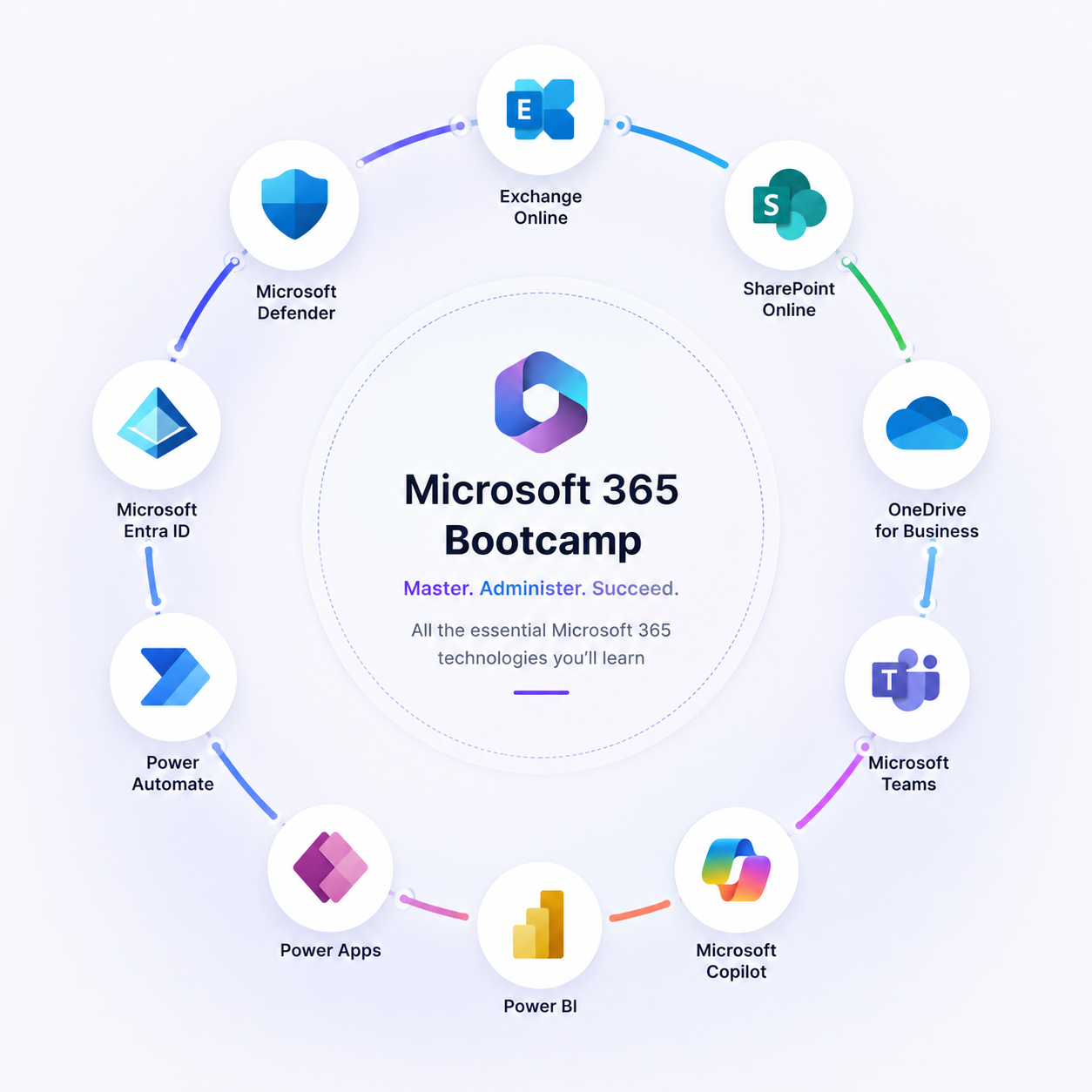
Build practical administrative skills in areas such as Exchange Online, SharePoint & OneDrive, Entra ID, Teams and MS Defender.
-
Understand real-world workplace scenarios and how administrators manage users, security, collaboration, and cloud services
-
Develop confidence working in enterprise environments and modern digital workplaces
-
Create a strong foundation for advanced Microsoft certifications and career growth
Quick tweaks